Do You Know All Data Recovery Storage Systems?
In today’s digital world, managing and securing data is a key concern for businesses and individuals alike. As data continues to grow exponentially, the systems used to store and recover it have become more complex. Understanding the types of data recovery storage systems is essential for ensuring your data remains safe and accessible.
What Is a Data Storage System?
A data storage system refers to the technology and devices used to store information, such as text documents, images, videos, and other digital formats. These systems have specific characteristics that define their usability and efficiency in tasks like storing backup copies, granting access, or transporting data.
When considering a data storage system, there are several important factors to keep in mind:
- Ability: Refers to the capacity or amount of data the storage system can handle, often measured in Gigabytes (GB), Terabytes (TB), and even Petabytes (PB) for large data sets.
- Performance: Indicates how fast and efficient the storage system is in terms of reading and writing data.
- Reliability: Reflects the system’s ability to ensure consistent availability of data with minimal errors or failures (e.g., using RAID configurations).
- Recoverability: Measures the system’s ability to recover data after events such as loss, deletion, or corruption.
Common Types of Data Storage Systems
1. Cloud Storage Systems
Cloud storage systems are increasingly popular, offering a remote backup solution for businesses. These systems allow companies to securely store data on third-party cloud servers and access it from anywhere.
- Continuous or Periodic Backups: Software agents can be installed to transfer files and database backups regularly to cloud storage. This process ensures that copies of files are available in case of data loss.
- Replication: Larger organizations can use cloud storage to replicate large amounts of data for disaster recovery or business continuity purposes.
- Enterprise Features: Cloud systems designed for businesses often include configurable policies to store data efficiently across different locations or servers.
Cloud storage offers significant benefits like scalability, remote access, and automatic backup. However, the main drawback can be potential concerns over security, data privacy, and dependency on internet connectivity.
2. Hard Disk Drives (HDDs)
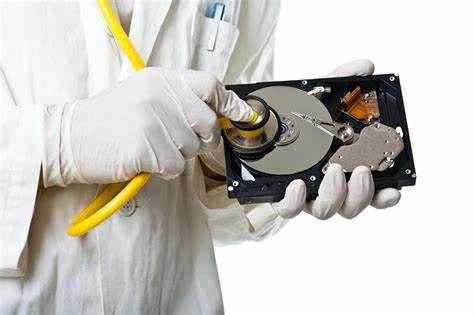
Traditional hard disk drives (HDDs) remain a staple for personal and enterprise-level data storage. HDDs use rotating disks to read and write data. While they are reliable and affordable, they can be prone to failure over time, especially due to physical damage.
- Backup Solution: Many individuals and small businesses still rely on external HDDs for storing backup copies of essential files.
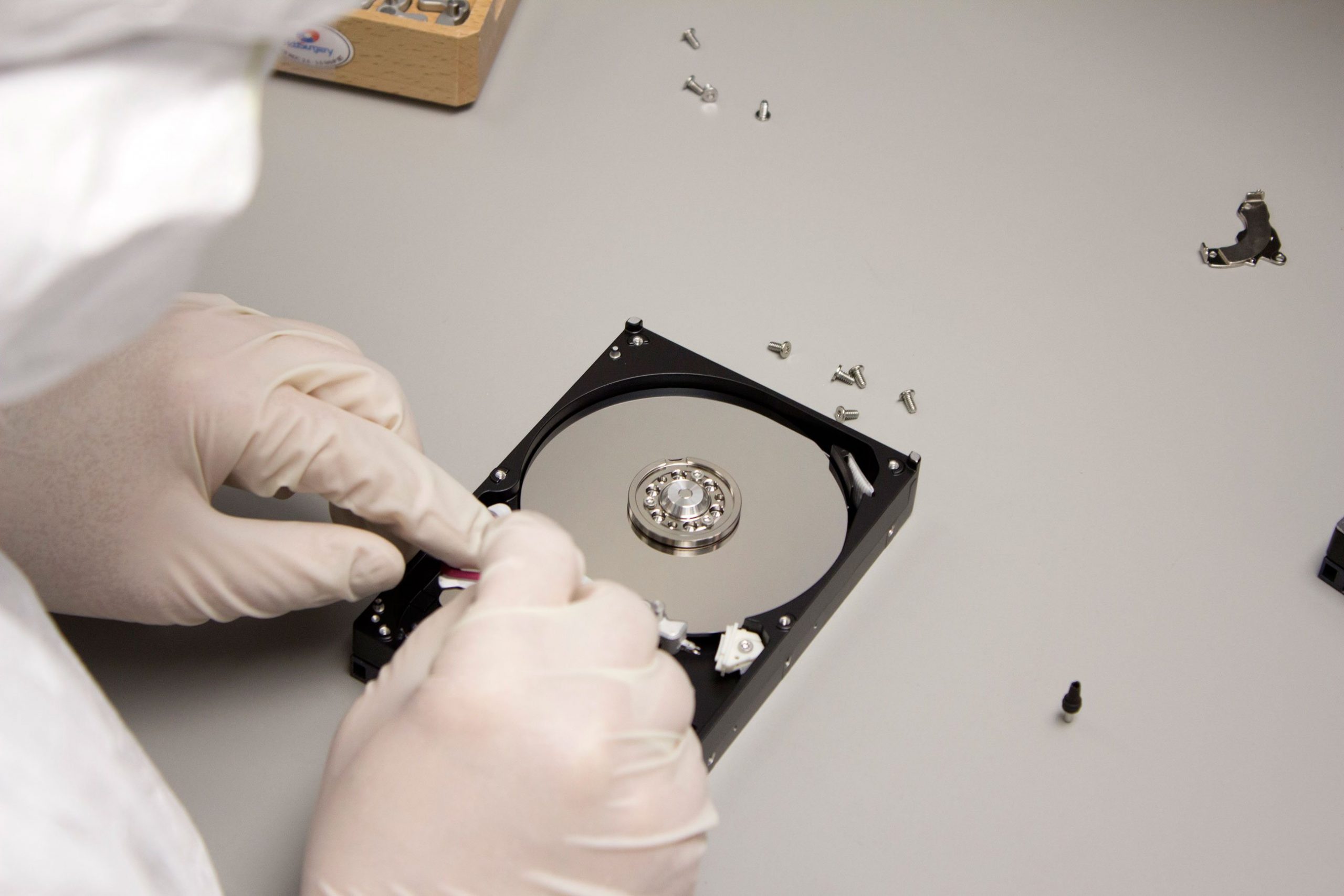
- Recoverability: In the event of a failure, data recovery services may be able to retrieve lost information from damaged drives.
3. Solid-State Drives (SSDs)
Unlike HDDs, solid-state drives (SSDs) store data using flash memory, meaning they have no moving parts. SSDs are known for their high performance, offering faster data access speeds compared to HDDs.
- Backup Solution: SSDs are ideal for situations where high performance is needed, such as storing frequently accessed data or hosting operating systems.
- Reliability: While SSDs are more durable than HDDs, they are still susceptible to wear over time and may fail if subjected to excessive writing operations.
4. Network-Attached Storage (NAS)
Network-attached storage (NAS) is a data storage system connected to a network, allowing multiple users and devices to access data from a central repository. NAS devices are commonly used by businesses for data sharing, collaboration, and backup.
- Backup and Sharing: NAS allows for centralized storage of files and backups, accessible by anyone on the network.
- Data Recovery: In case of failure, data recovery services can help retrieve information stored on a NAS device, especially if multiple backups are maintained.
5. Storage Area Network (SAN)
Storage Area Networks (SANs) are high-performance storage solutions often used by large organizations. These networks consist of multiple storage devices connected via a dedicated network.
- Enterprise Use: SANs are typically used by enterprises to store large amounts of critical data, ensuring fast access and data redundancy.
- Data Recovery: SANs are typically set up with redundancy measures like RAID configurations, making it easier to recover data after a failure.
6. Tape Storage
Tape storage is one of the oldest forms of data storage, often used for long-term backup solutions. Despite being slower compared to modern storage technologies, tape drives are still widely used for archiving large volumes of data.
- Backup and Archival: Many businesses use tape storage for archiving older, less frequently accessed data.
- Data Recovery: Recovering data from tape storage can take time, as it requires retrieving the tape and using specialized equipment. However, it remains an affordable and reliable option for large-scale backups.
Choosing the Right Data Storage System
Choosing the best data storage system for your business depends on several factors, including:
- Data Volume: Consider the amount of data you need to store and the scalability of the solution.
- Speed and Performance: If you need fast access to data (e.g., for databases or applications), SSDs or NAS solutions may be ideal.
- Reliability and Redundancy: Ensure the system has reliable backup and redundancy features, such as RAID configurations or cloud replication, to minimize the risk of data loss.
- Budget: Cloud storage and SSDs may come with higher costs, while tape storage offers a more affordable solution for archiving.
Conclusion
Data storage systems are essential for protecting and managing data in today’s digital landscape. From cloud solutions to traditional hard drives and modern SSDs, each type of storage system offers unique benefits suited for different needs. Understanding the characteristics and recoverability of each storage solution is critical for businesses looking to safeguard their data and ensure that it can be recovered in the event of loss or damage.