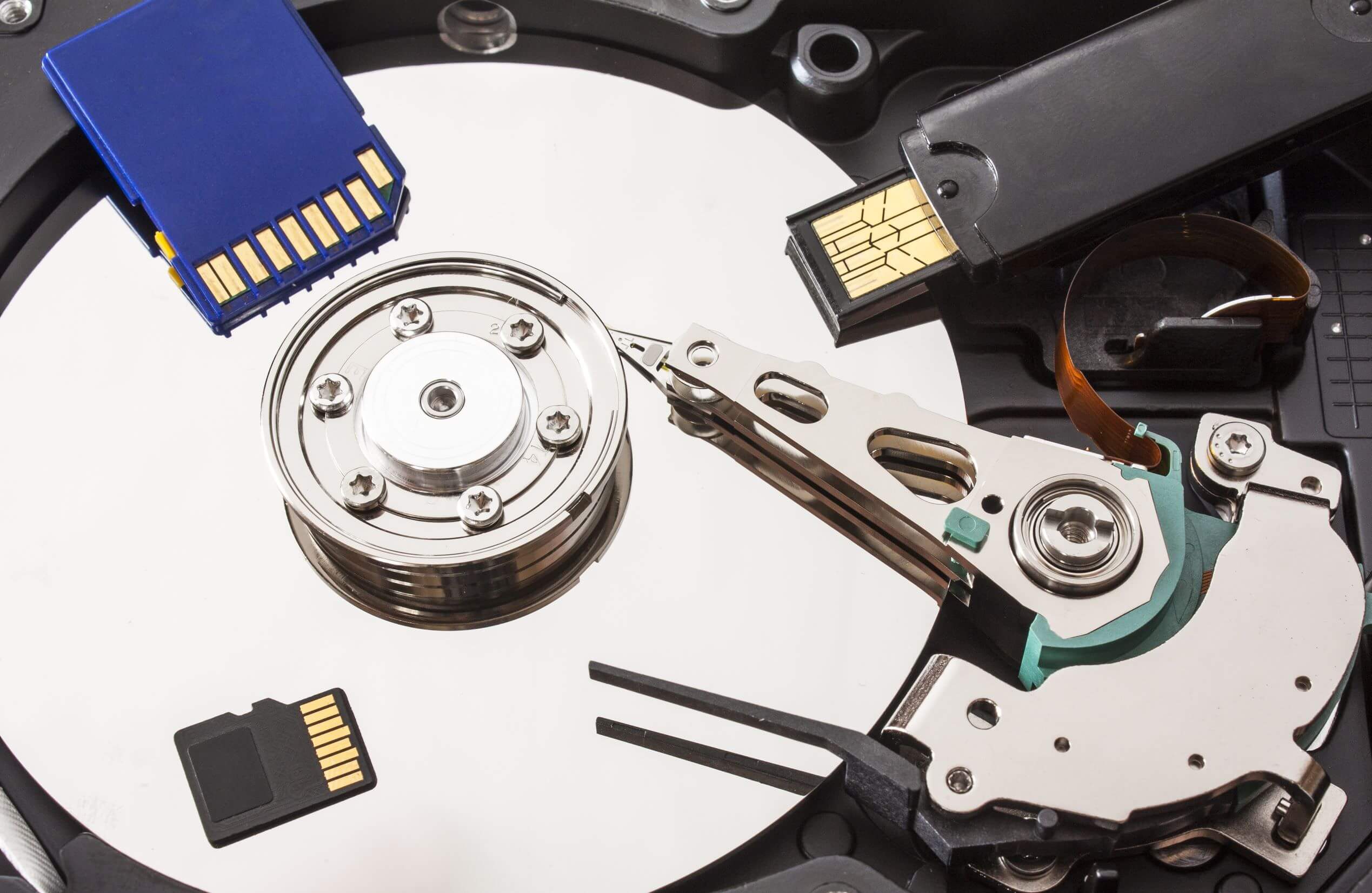
Difference Between Repairing Hard Drive And Data Recovery Hard Drive Data

0
Difference Between Repairing Hard Drive And Data Recovery Hard Drive Data

When your hard drive malfunctions, it can lead to confusion between the terms “repairing a hard drive” and “data recovery.” While these concepts may sound similar, they refer to different processes and outcomes, and understanding their distinction can be crucial in preserving your data or deciding on the best course of action.

Repairing a Hard Drive vs. Data Recovery

Repairing a Hard Drive

Repairing a hard drive generally refers to fixing hardware or software issues that affect its ability to function properly. This can involve:

  • Fixing internal mechanical parts: If a hard drive is physically damaged (e.g., after a fall), it may need internal parts like the read-write heads or the motor to be replaced. However, these parts are often highly sensitive, and fixing them is not always feasible.
  • Addressing logical or software errors: If the hard drive has a software issue, like corrupted files or bad sectors, it might be possible to fix it using diagnostic tools, disk repair software, or by reformatting the drive.

Key Point: Repairing a hard drive does not necessarily guarantee that your data will be safe. Often, in the process of fixing the drive, data may be erased, especially if reformatting or other significant changes are required.

Data Recovery from a Hard Drive

Data recovery, on the other hand, is the process of retrieving data from a failed or damaged hard drive. This involves specialized techniques that focus on extracting files, folders, or entire systems from a drive that is no longer working properly. This can happen when:

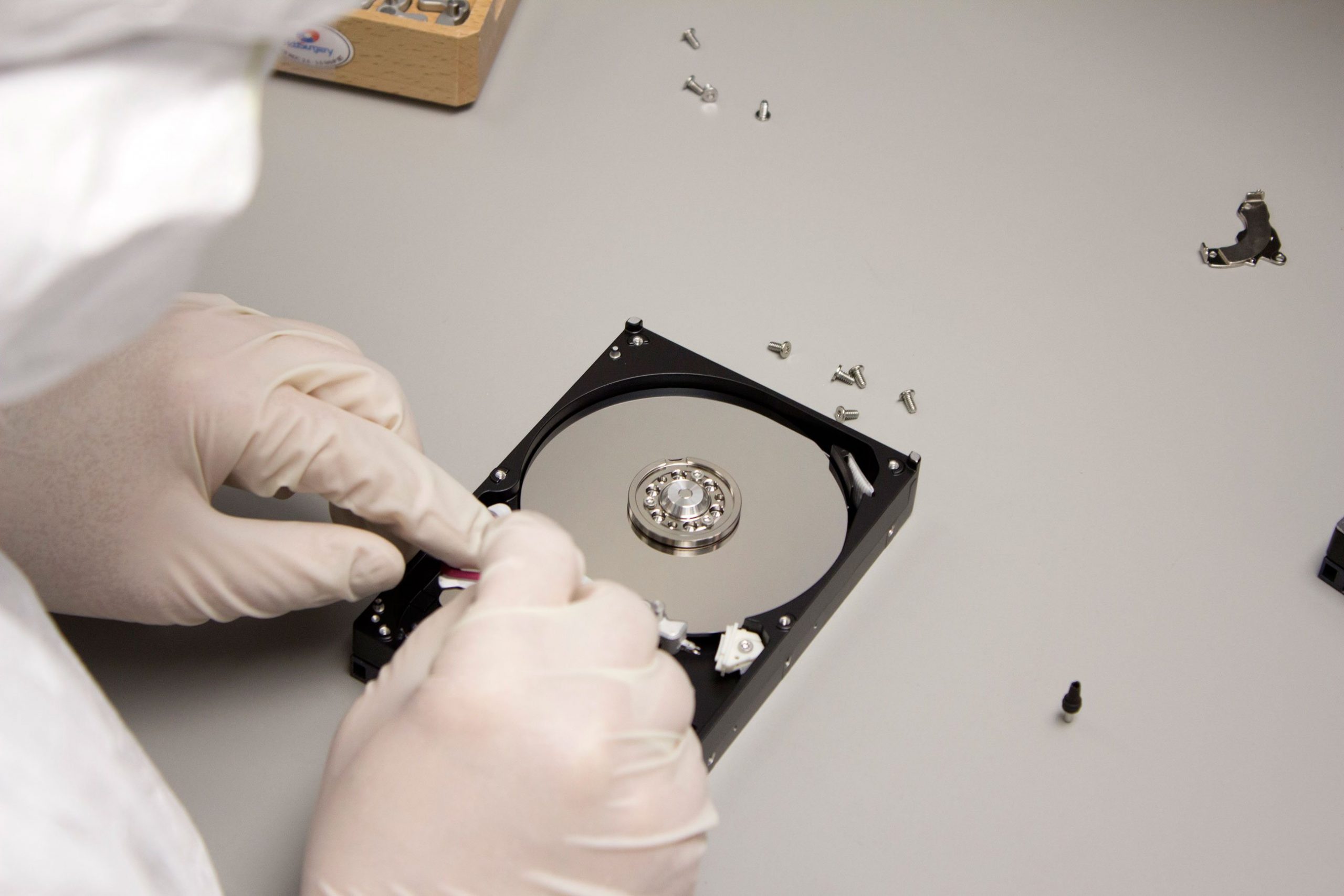
  • The drive has suffered physical damage: For instance, if the hard drive has fallen or been exposed to water damage, the internal mechanisms may have failed. Data recovery technicians might use specialized equipment in a cleanroom environment to recover the data.
  • The drive has experienced logical failure: Logical failures can occur when the drive’s data becomes corrupted or inaccessible due to issues like accidental formatting, partition damage, or virus attacks. Recovery software may be used to extract the data.
  • The magnetic corruption affects data readability: In some cases, areas of the hard drive’s magnetic plates become unreadable due to corruption, but data can still sometimes be recovered temporarily for transfer to another medium.

Key Point: Data recovery does not focus on “fixing” the drive but rather on retrieving data, sometimes at the cost of losing the drive’s long-term functionality. In many cases, once the data is recovered, the drive itself may not be operational anymore.

When Can Data Be Recovered from a Damaged Hard Drive?

Data recovery is possible in several scenarios, depending on the type and severity of the damage. Here are a few examples:

  • Physical Damage: If the damage to the hard drive affects non-critical components (e.g., the motor or the read-write heads) but does not destroy the data area, technicians may be able to retrieve data by stabilizing the drive temporarily and transferring the data to another storage device.
  • Magnetic Corruption: Hard drives store data on magnetic plates, and when these become corrupted, the drive may stop working. In many cases, the data is still present but unreadable. Specialized recovery methods can be employed to recover the data, but the drive may not function properly afterward.
  • Software Corruption: In cases where the hard drive suffers from logical or software issues (e.g., corrupted files, file system errors), data recovery tools can sometimes restore the data without causing physical harm to the drive.

However, there are limitations to data recovery, especially if the damage is severe or if the drive has been overwritten with new data.

Scenarios Where Repairing vs. Data Recovery is Needed

Scenario 1: Hard Drive Stops Working After a Fall

  • Repairing the Drive: If the physical components of the hard drive are damaged, a repair service may attempt to fix the internal mechanisms like the read-write heads or motor. However, the drive might still not be usable after the repair.
  • Data Recovery: If the drive does not boot or shows errors, data recovery experts may be able to retrieve the data by using specialized techniques, often in a cleanroom environment, despite the physical damage.

Scenario 2: Data Is Unreadable Due to Corruption

  • Repairing the Drive: If the drive is still functional but the data is corrupted due to software errors, repairing the file system or performing a reformat may restore its usability. However, this often results in losing the data.
  • Data Recovery: In this case, data recovery software or services can retrieve the files, even if the drive’s file system is corrupted, without repairing the drive itself.

Scenario 3: External Hard Drive Is Detected but Files Are Missing

  • Repairing the Drive: If the external hard drive is physically intact but cannot display files, the issue may be software-related. Repairing the file system could potentially make the drive usable again, but the data might still be lost.
  • Data Recovery: If files are missing or have been deleted, specialized data recovery tools can scan the drive and recover the lost data without attempting to repair the drive itself.

Conclusion: Understanding the Key Differences

  • Repairing a hard drive focuses on fixing the drive’s functionality, which may or may not allow you to recover your data.
  • Data recovery focuses on retrieving data from a damaged or malfunctioning drive, often at the cost of the drive’s usability in the future.

Before deciding whether to repair or attempt data recovery, consider the importance of your data and the extent of the damage. If you’re unsure, it’s often a good idea to consult with professionals who specialize in both repairing and recovering hard drive data.

Leave a Reply

Your email address will not be published. Required fields are marked *