Data Recovery Files From Crashed Computer
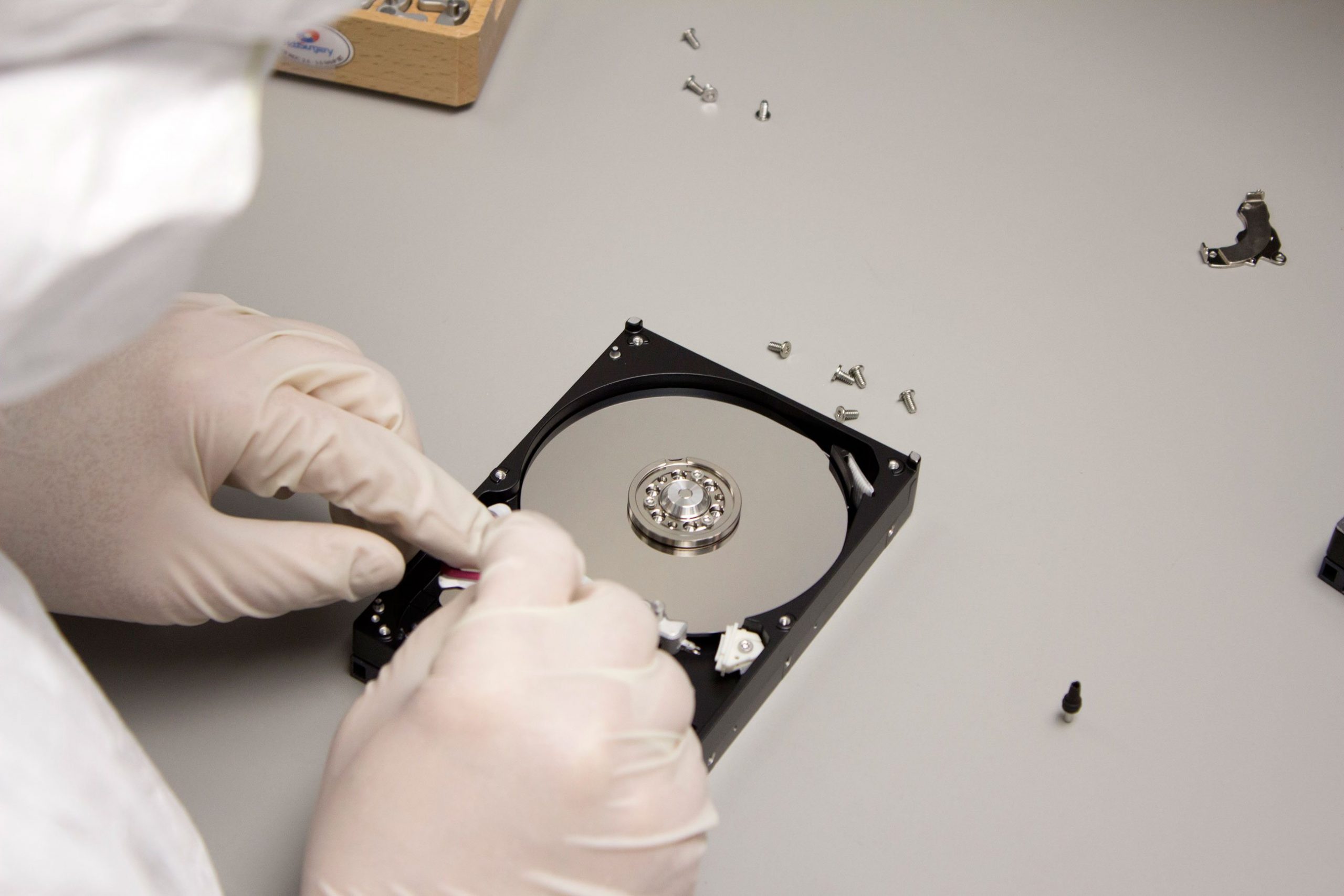
Many of us have faced the frustration of a computer crash: a broken screen, an unusable laptop keyboard, or a tablet that won’t start. When this happens, the most critical concern is often how to recover valuable personal files from a damaged computer. Fortunately, there is a simple and effective solution: the hard drive enclosure.
While computer failures may make it seem like your files are lost forever, a hard drive enclosure can help you retrieve important documents, photos, and data. This inexpensive device allows you to transform the internal hard drive of your crashed computer into an external hard drive, making it possible to recover your files.
What is a Hard Drive Enclosure?
A hard drive enclosure is a device that allows you to turn the internal hard drive of your computer into an external storage device. The principle behind it is straightforward: if your computer’s motherboard, screen, or other components are damaged but the hard drive is still functional, you can remove the hard drive from the computer, place it inside the enclosure, and connect it to another working computer via USB.
This simple solution can help you access your files and recover data from a computer that no longer powers up or functions properly.
Why Use a Hard Drive Enclosure?
Here are two key reasons why using a hard drive enclosure is an effective way to recover data from a crashed computer:
- Cost-Effective and Convenient:
Hard drive enclosures are affordable, with prices typically ranging from $10 to $50 depending on the model and features. Using an enclosure is a simple and budget-friendly way to recover your files without needing professional data recovery services, which can be expensive. - Simple to Use:
No need to be a computer expert! The process of using a hard drive enclosure is easy and doesn’t require technical skills. You can often do it yourself at home, saving both time and money.
Key Considerations for Choosing a Hard Drive Enclosure
When selecting a hard drive enclosure, you need to consider a few important factors:
- Compatibility with Your Hard Drive:
Ensure the enclosure is compatible with the size and type of your hard drive (e.g., 2.5-inch or 3.5-inch HDD/SSD). Most modern enclosures support both traditional hard drives (HDD) and solid-state drives (SSD), but it’s always best to check the specifications. - Connector Type (USB 3.0 or USB-C):
Look for enclosures that support USB 3.0 for fast data transfer. Some enclosures also offer USB-C connectivity for faster speeds, particularly useful for large file transfers or modern devices. - Power Supply:
Some enclosures require an external power source, especially for larger 3.5-inch hard drives. Ensure the enclosure you choose includes a power adapter if needed.
Steps to Recover Files Using a Hard Drive Enclosure
- Remove the Hard Drive from Your Crashed Computer:
Carefully open your computer and disconnect the hard drive. Make sure to check your device’s manual or consult a professional if you’re unsure how to do this. - Place the Hard Drive in the Enclosure:
Insert your hard drive into the hard drive enclosure, ensuring it’s securely connected to the enclosure’s interface. - Connect the Enclosure to a Working Computer:
Use the USB cable provided with the enclosure to connect it to a working computer. - Access Your Files:
The working computer should recognize the external hard drive and allow you to browse the contents. You can now copy and recover your files to a safe location.
When a Hard Drive Enclosure Won’t Work
It’s important to note that the hard drive enclosure will only work if the issue lies with your computer’s other components (e.g., motherboard, screen, or keyboard) and not the hard drive itself. If your hard drive is physically damaged or corrupted, the enclosure won’t help in retrieving your files.
If you suspect that your hard drive is malfunctioning, you may need to consider professional data recovery services, which can diagnose and recover data from physically damaged drives.
Conclusion
A hard drive enclosure is a valuable tool for recovering files from a crashed computer, offering a simple, affordable, and effective solution. It allows you to access your data by turning your internal hard drive into an external storage device, giving you the ability to rescue important files from a computer that can no longer be used. Just make sure to choose an enclosure compatible with your hard drive and computer, and remember that it will only work if the issue is with the computer, not the hard drive itself.
By following the above steps, you can often recover your data yourself, saving time and money in the process.


