Data Recovery : Some Best Free SD Card Software
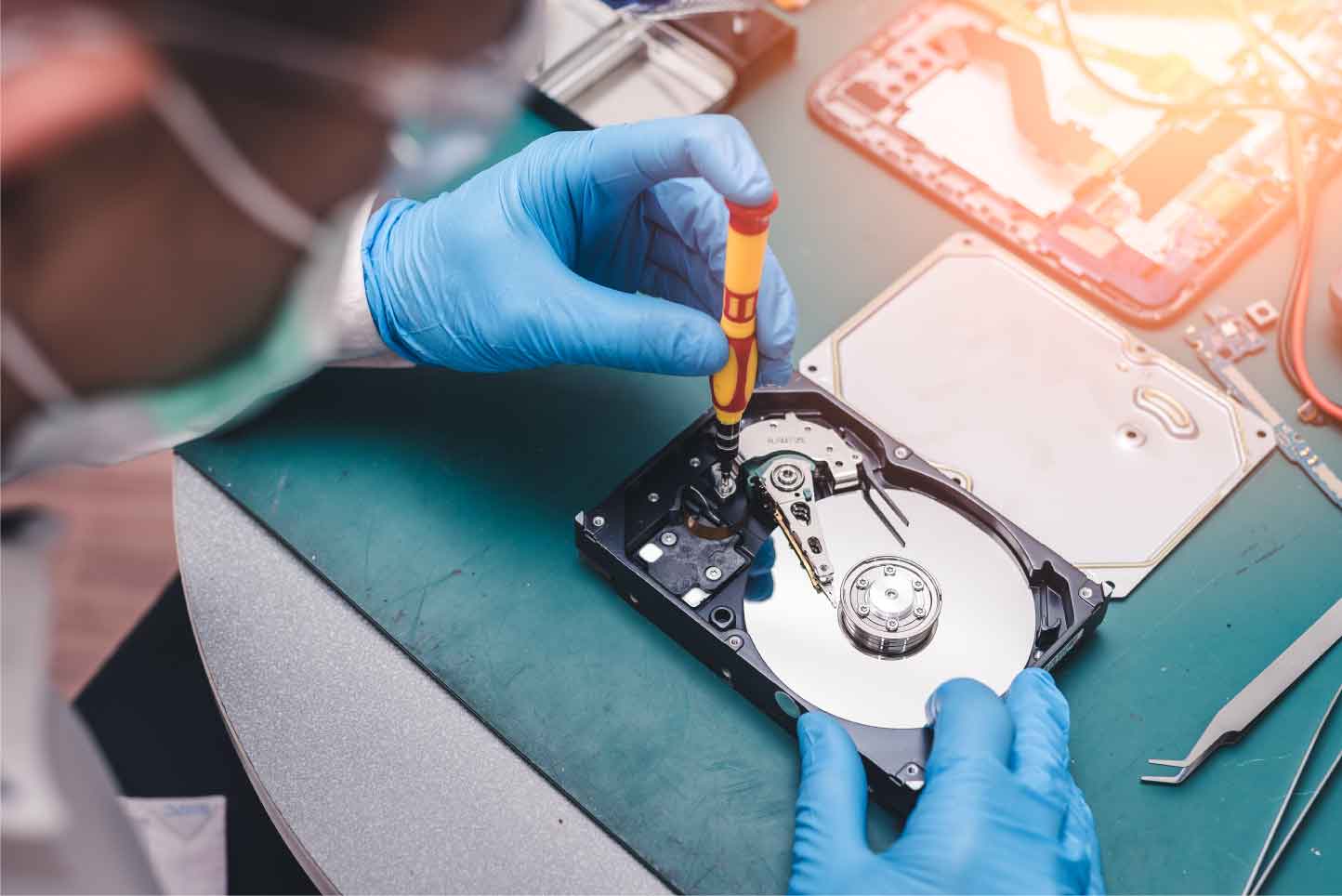
Experiencing data loss from your memory cards can be a frustrating situation, but not everyone can afford paid recovery software. Fortunately, several free tools are available to help you recover your files from SD cards, hard drives, and other storage devices. Below is a list of some of the most effective and reliable free data recovery software that can assist with various types of data loss, such as files deleted from the recycle bin, lost due to crashes, formatted drives, virus attacks, or deleted partitions.
These tools are compatible with a variety of Windows versions, including 8.1/8/7/Vista/XP and 2000.
1. ADRC Data Recovery Software Tools
- Features: ADRC Data Recovery is a comprehensive tool designed to recover deleted files from various storage devices. It is particularly useful for recovering files from damaged disks or files that were erased accidentally.
- Ease of Use: The interface is simple and intuitive, making it accessible to all users, from beginners to experts.
- Compatibility: Works well across different types of storage media and operating systems.
- Additional Features: ADRC can create an image of your hard drive and is capable of copying files from damaged disks.
- System Resource Usage: Minimal, making it suitable for older systems.
2. Glary Undelete
- Features: Glary Undelete is a powerful and efficient tool for recovering files deleted from the recycle bin or lost due to system failures or virus attacks.
- Ease of Use: The software is user-friendly, with a simple interface that makes the recovery process straightforward.
- Compatibility: Works with various Windows versions, including 95/98/Me/XP/2003/Vista, and supports multiple file types.
- Additional Features: Supports recovery from various storage devices, including SDHC cards and hard drives.
- System Resource Usage: Efficient, low resource consumption.
3. Panda Recovery
- Features: Panda Recovery specializes in recovering files that have been permanently deleted (via the “Shift + Delete” function). It’s an effective tool for files that might seem lost after bypassing the Recycle Bin.
- Ease of Use: This tool is easy to navigate, with a straightforward interface for quick file recovery.
- Compatibility: Compatible with all types of files, including images, movies, documents, and more.
- Additional Features: Recovers files from various devices, including memory cards and external drives.
- System Resource Usage: Light on resources.
4. PC INSPECTOR File Recovery
- Features: PC INSPECTOR is a high-performance software capable of recovering files under both FAT and NTFS systems. It can identify partitions automatically, even if the files are damaged or deleted.
- Ease of Use: The interface is simple, but the tool is more advanced compared to others on this list.
- Compatibility: Works with a variety of file systems and can recover from different types of storage devices.
- Additional Features: Can recover files even if their header entry has been damaged or deleted, a feature that is rarely found in free software.
- System Resource Usage: Moderate, depending on the size of the recovery.
5. Recuva
- Features: One of the most popular free data recovery tools, Recuva is excellent for recovering files deleted from the recycle bin, memory cards, or digital devices like cameras or MP3 players.
- Ease of Use: Recuva offers a simple and straightforward interface that makes it very easy for anyone to use.
- Compatibility: It works across a wide range of devices, including SD cards, USB drives, hard drives, and digital cameras.
- Additional Features: Recuva can recover files that have been deleted by viruses, system crashes, or human error. It also includes a deep scan feature for more challenging recovery tasks.
- System Resource Usage: Light on system resources, suitable for all types of PCs.
Conclusion
When you face data loss on your SD card or other storage devices, these free data recovery tools can help you recover valuable files. Whether it’s a simple file deletion or more complex data corruption, the tools listed above provide solid, no-cost solutions to get your data back. Make sure to act quickly, as recovery success is higher when attempted soon after data loss. Always remember to stop using the affected device immediately to avoid overwriting the lost data.
While these free tools are reliable, they may have limitations when compared to paid recovery services. However, for most everyday users, these free options can be a lifesaver.


